


By now, smartphones have become more of the tools useful for taking photos and videos than for making phone calls, therefore the camera they are equipped with has become one of the decisive elements in choosing one or the other model that the various OEMs offer. Often, however, we do not stop at the number of megapixels or sensors with which the terminal is equipped, but rather we document whether or not this will be supported by the various existing ports of the GCam.

Too often, however, there is confusion about which version to install on your smartphone, because the developers who give their contribution are many and between OS version and hardware it is difficult to understand which is the best version to install. To the rescue comes an application, or at least a test, downloadable directly from the Play Store and which responds to the name of GCAmator, an application that selects for us the best version of the Google camera available for our terminal.
The best version of Google Camera on your smartphone? GCamator takes care of it
GCamator is an app developed by the XDA team and turns out to be as simple as it is effective. The operation of the application is simple: the first thing it does is to verify that our mobile phone is compatible with the API Camera2 and verified this step, the application does an analysis of the information of our smartphone and, if it has identified the optimal version of the Google camera, will download it automatically.
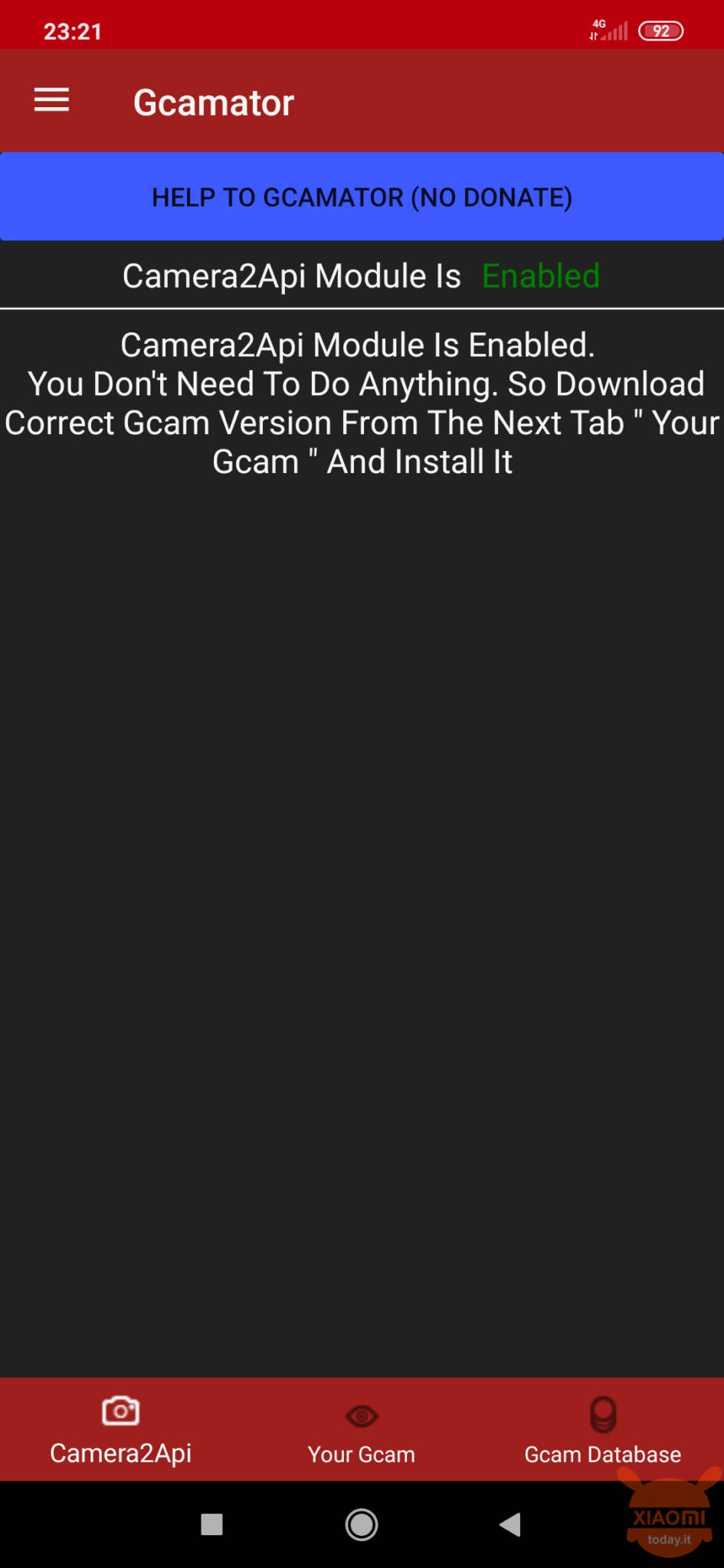
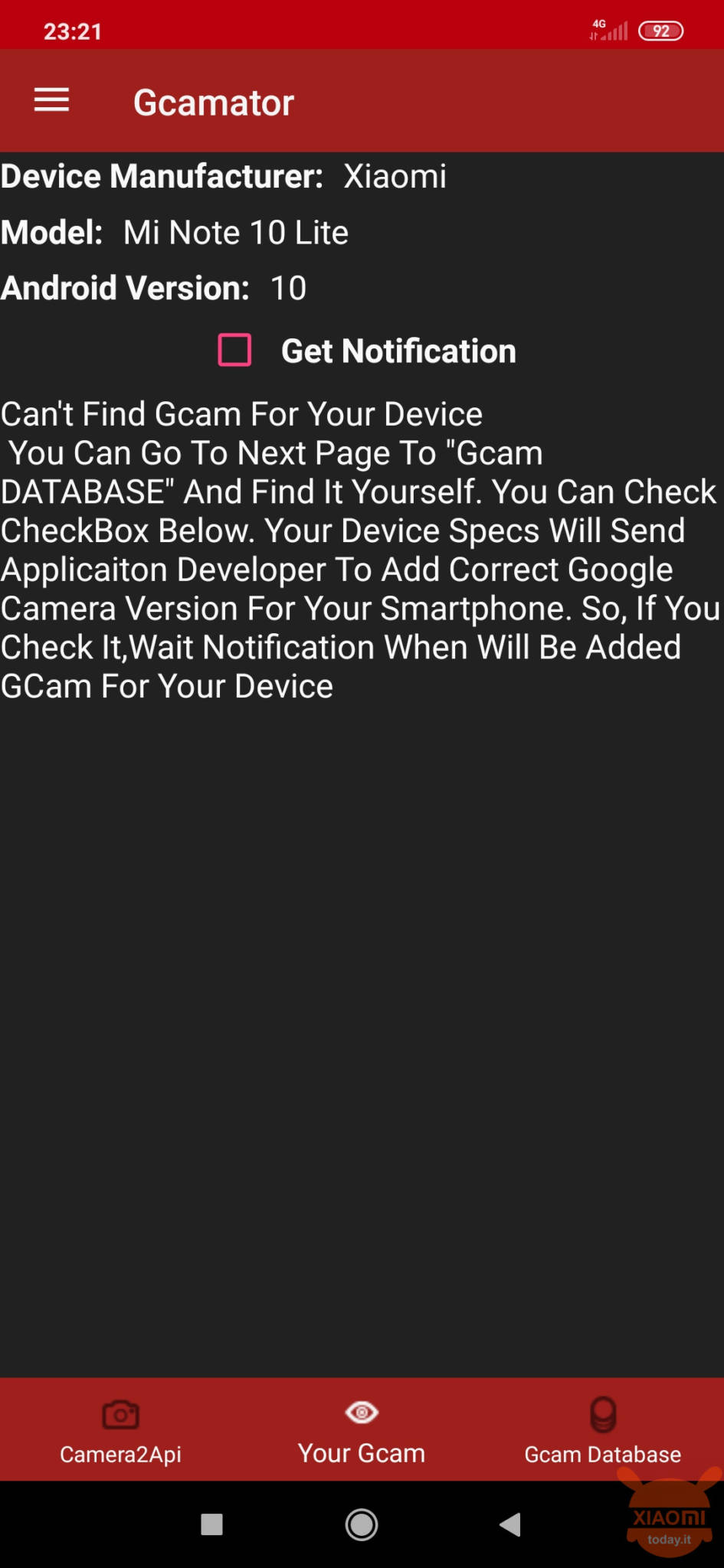
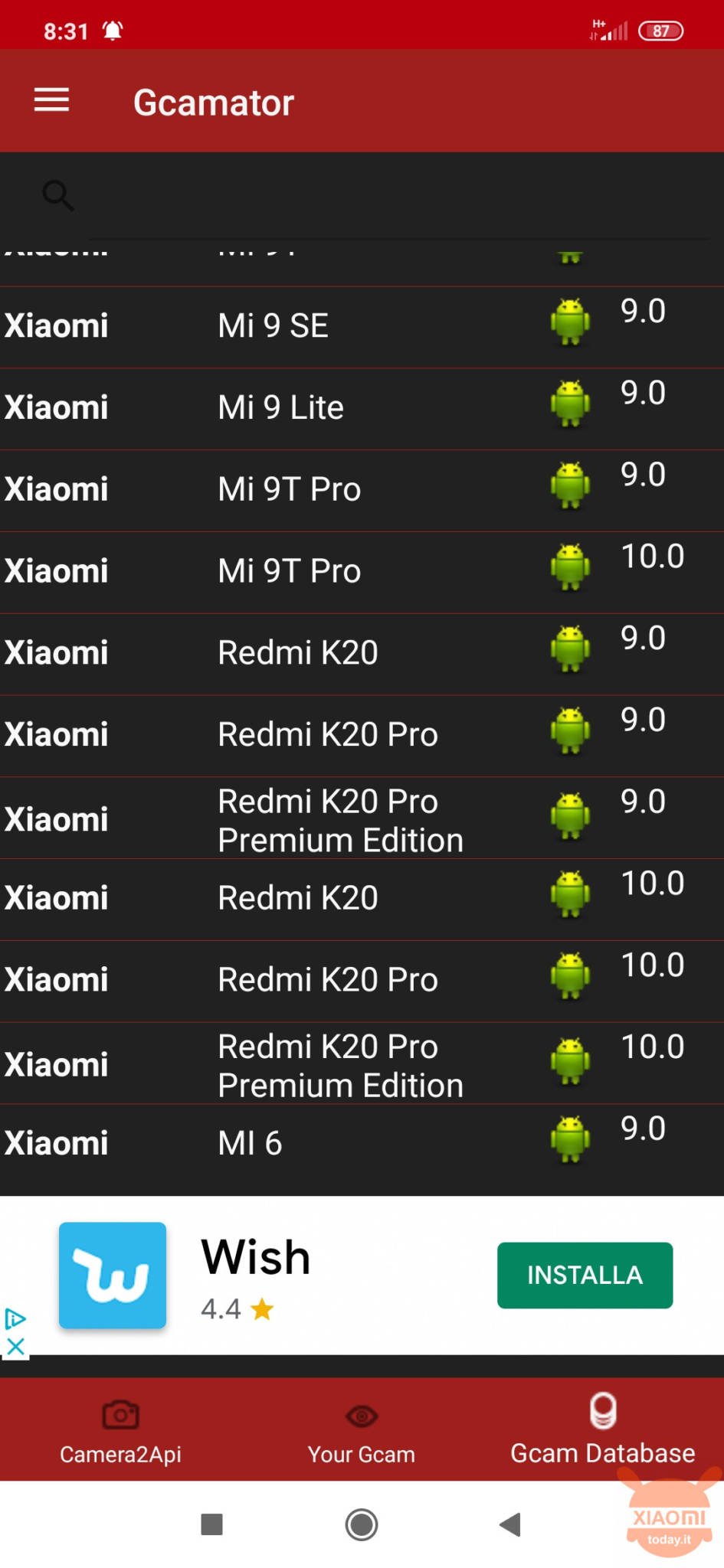
This is possible thanks to a detailed database indicating which is the best possible version of the Google camera application for each mobile phone. A database full of resources, but limited to a few cell phones. In fact, for recent devices, there is no mention of ad hoc GCam or there is no trace of specific mods released on other sites outside the database.
For example, in our case with a Mi Note 10 Lite no functional GCam is recognized, not even that of Mi Note 10 which practically shares the same hardware as the Lite version. Also always for Mi Note 10 the GCam is stopped at the Android 9 version when the device has already received Android 10 for a few weeks.
Well, GCamator is a free application and trying it costs nothing, especially if you belong to that slice of user who doesn't know where to start for the installation of a GCam mod on your terminal.


![Mi Note 10 Lite Smartphone 6GB 128GB Qualcomm® Snapdragon ™ 730G processor AI Quad camera 6.47 ″ 3D curved AMOLED Display 5260 mAh typ NFC Black [Global version]](https://m.media-amazon.com/images/I/41gj2B+XTWL._SL500_.jpg)




Hi, I also have the Mi Note 10 Lite, in the end which version of GCam did you install? Thanks.
I will put the link of the perfect GCam in the written review
I saw that you updated the review with the link, thanks!
Must!!!
Ok, thanks Emanuele, I await the link